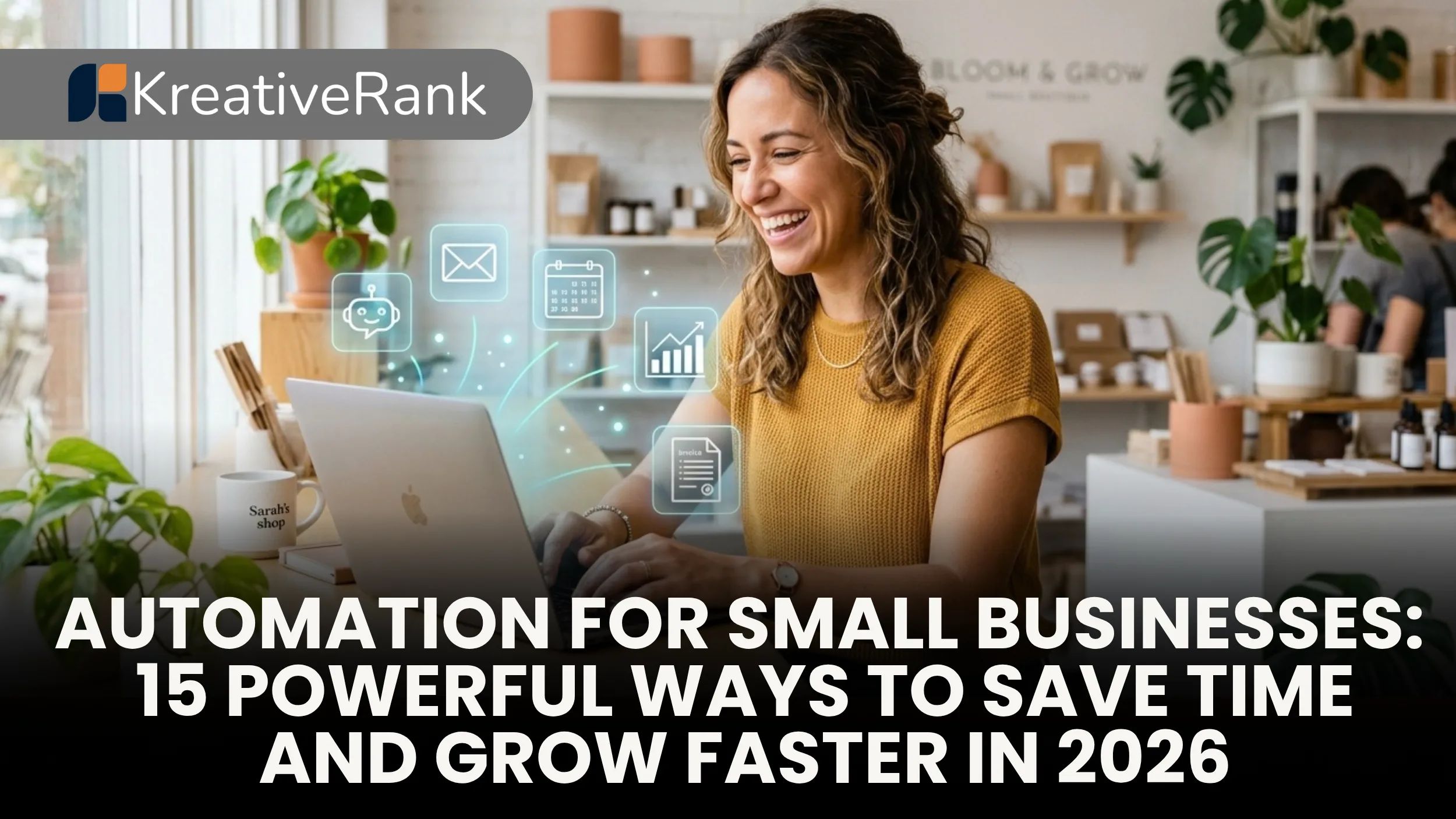
In 2026, small business automation is no longer just a competitive advantage it is a fundamental requirement for survival. By integrating Artificial Intelligence (AI) and workflow automation tools, small businesses can drastically cut operating costs, eliminate manual data entry, and scale their operations without needing to proportionally increase headcount.
Why Small Business Automation is Critical in 2026
The landscape of small business operations has shifted dramatically. With rising labor costs and increasing customer expectations, business owners are forced to do more with less. Automation acts as a digital workforce, operating 24/7 without fatigue.
According to recent industry data, a significant number of US small firms are using AI tools to cut operating costs, specifically targeting repetitive administrative tasks like market research, scheduling, and data analysis. Furthermore, recent trends in AI adoption for small businesses show that the push toward automation is driven by practical utility and measurable ROI rather than mere technological hype. Small businesses are leveraging no-code platforms and generative AI to reclaim thousands of hours previously lost to manual workflows.
15 Powerful Ways to Automate Your Small Business
To help you navigate the automation ecosystem, here are 15 powerful ways to implement automation across different departments in your business.
Marketing and Sales Automation
- CRM Data Entry and Lead Scoring Manually typing lead information into your Customer Relationship Management (CRM) system is a massive time sink. Modern CRMs like HubSpot and Salesforce automatically capture lead data from web forms and use AI to score leads based on their likelihood to convert.
- Email Marketing Sequences Instead of sending one off emails, use platforms like Mailchimp or Brevo to set up automated drip campaigns. These sequences nurture leads by sending targeted messages based on user behavior, such as abandoning a cart or downloading a whitepaper.
- Social Media Scheduling Tools like Buffer and Hootsuite allow you to batch create content and schedule it across multiple platforms weeks in advance. AI features can even suggest the optimal times to post for maximum engagement.
- Local SEO and Digital Marketing Automating your search engine optimization efforts such as tracking keyword rankings and generating meta tags can significantly boost your online visibility. For comprehensive strategies, optimizing your digital presence and SEO strategies through automated audits and expert guidance ensures you stay ahead of competitors.
- Local Business Directory Management For brick and mortar stores, keeping your NAP (Name, Address, Phone) data consistent across the web is crucial. Automation tools can sync your business info across dozens of directories instantly, aligning with the latest Trends in local business technology.
Customer Service and Support
- AI Chatbots for 24/7 Support Customers expect instant answers, even at 2 AM. Implementing an AI chatbot on your website can resolve up to 80% of routine queries, such as business hours, return policies, and order tracking, freeing up your human agents for complex issues.
- Automated Ticketing Systems Help desk software like Zendesk or Freshdesk automatically routes incoming support emails to the right department, tags them by priority, and sends automated receipt confirmations to the customer.
- Customer Feedback and Review Requests Positive reviews are the lifeblood of small businesses. Set up automated SMS or email triggers that ask customers for a review on Google Business Profile or Yelp exactly 24 hours after a successful purchase or service appointment.
Operations and Administrative Tasks
- Document Workflow and E-Signatures Chasing down physical signatures slows down deals and onboarding. By streamlining document workflows and e-signatures, you can automatically generate contracts, send them for secure digital signing, and store them in your cloud drive without printing a single page.
- Scheduling and Calendar Management Back-and-forth emails to find a meeting time are obsolete. Tools like Calendly allow clients to book time directly on your calendar based on your real-time availability.
- Inventory Management For ecommerce and retail businesses, automated inventory systems sync your sales channels with your warehouse. When an item is sold on Shopify, the system automatically deducts it from inventory and can even trigger a reorder when stock falls below a certain threshold.
- Data Analysis and Reporting Instead of manually compiling spreadsheets at the end of the month, use automation tools to pull data from your marketing, sales, and finance platforms into a single, real-time dashboard using Looker Studio or Tableau.
HR and Finance
- Applicant Tracking and Onboarding Hiring is tedious. Applicant Tracking Systems (ATS) like Breezy HR can automatically post jobs to multiple boards, screen resumes for keywords, and send automated onboarding documents to new hires.
- Invoicing and Expense Tracking Accounting software like QuickBooks and Xero can automatically generate and send recurring invoices, send payment reminders for overdue accounts, and categorize expenses by syncing directly with your business bank account.
- Payroll Processing Automated payroll systems like Gusto calculate taxes, track employee hours, and direct deposit wages with just a few clicks, ensuring compliance and eliminating manual math errors.

How to Implement Automation Successfully
Jumping into automation blindly can lead to a tangled web of disconnected software. Follow these steps for a smooth transition:
- Audit Your Workflows: Spend a week documenting every task you and your team perform. Highlight the ones that require data transfer between systems, repetitive typing, or routine follow-ups.
- Start Small and Scale: Don't try to automate your entire business overnight. Pick one major bottleneck such as lead capture or appointment scheduling and automate that first. Once you see the ROI, move on to more complex workflows.
- Leverage Integration Hubs: You don't need an all in one enterprise system. Utilize integration platforms like Zapier, Make, or Activepieces to connect your favorite standalone apps. These hubs act as the central nervous system for your business data.
- Train and Empower Your Team: The biggest hurdle to automation is often team resistance. Ensure your employees understand how to use the new tools. Frame AI and automation as powerful assistants that will remove the boring parts of their jobs, not as threats to their employment.
Frequently Asked Questions (FAQ)
Small business automation involves using software, Artificial Intelligence (AI), and digital tools to perform repetitive tasks with minimal human intervention. This includes everything from sending marketing emails to processing payroll.
Costs vary widely. Many tools offer free tiers or start as low as $15-$30 per month (like Zapier or Mailchimp). The return on investment (ROI) usually far outweighs the subscription cost by saving dozens of labor hours.
For most small businesses, automation is not about replacing staff; it’s about empowering them. By automating mundane administrative tasks, employees can focus on high-value activities like strategy, relationship building, and creative problem-solving.
No. The rise of no-code and low-code platforms means that anyone can set up complex automated workflows using simple drag-and-drop interfaces.
The primary risks include over-automating customer interactions (which can make your brand feel robotic) and failing to maintain the software. Automations need occasional auditing to ensure APIs are still connected and workflows are functioning correctly.